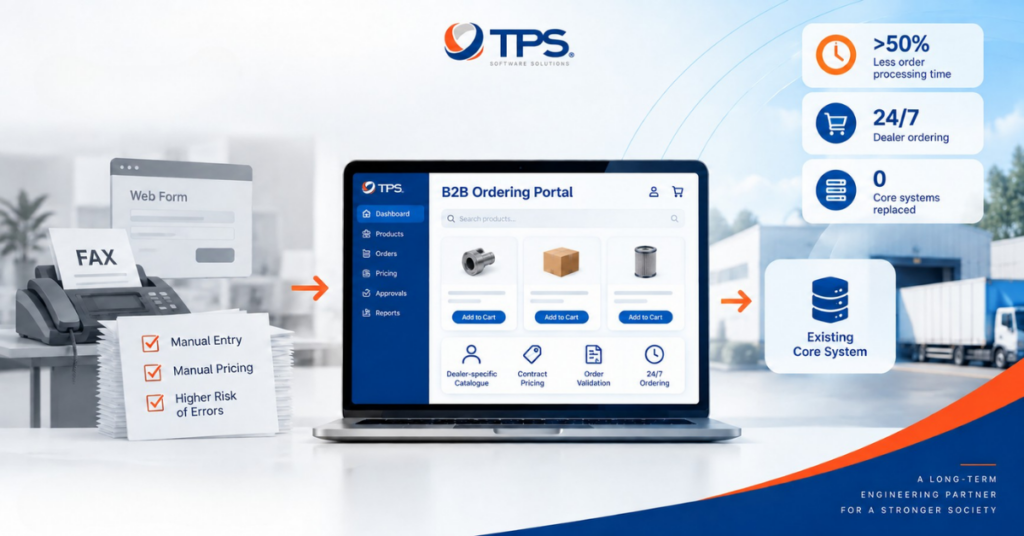
The core problem isn’t effort — it’s variance. Every supplier sends data differently, and your PIM has a fixed schema. Someone has to translate every format. Manually. For every product. Every catalog cycle.

Supplier A sends Excel, B sends PDF paragraphs, C sends a website export — all funneling through manual translation into one rigid schema.
The four-stage pipeline
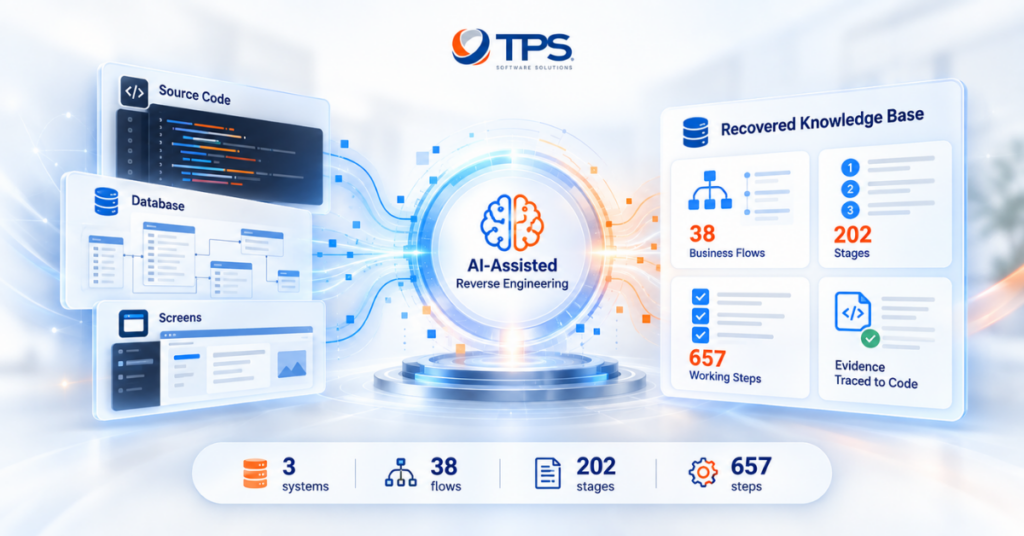
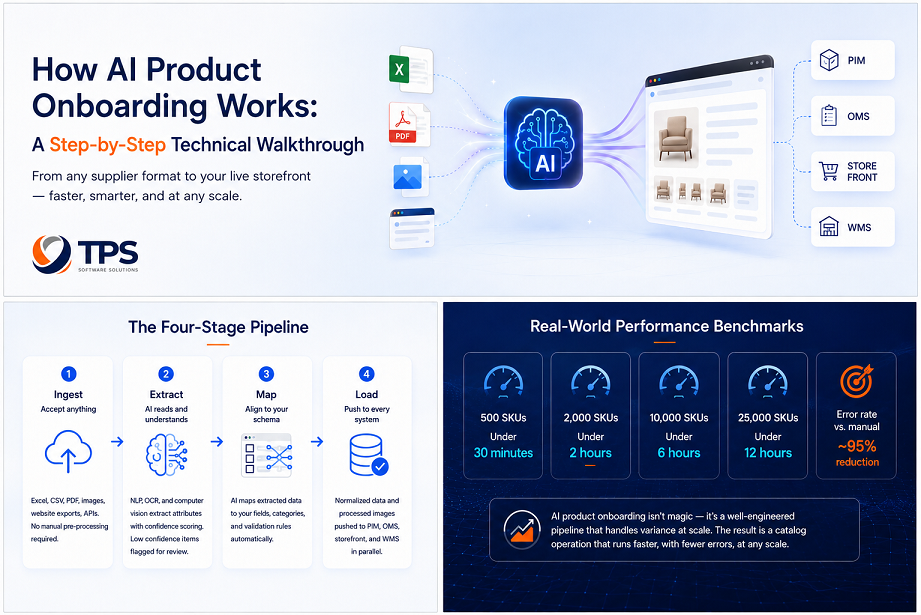
AI Product Onboarding replaces that manual translation layer with an engineered pipeline: Ingest → Extract → Map → Load. Here’s what each stage actually does.
Stage 1: Ingest — accept anything
TPS AI Product Onboarding accepts Excel and CSV files (any column structure), PDF documents (text-based and scanned), product images with embedded metadata, website exports, and direct API connections to supplier systems. No manual pre-processing required.

Stage 2: Extract — AI reads and understands
For text-based files, NLP identifies and extracts product attributes — even when column names are non-standard or missing. For unstructured text (PDF paragraphs), entity recognition pulls specific attributes: dimensions, materials, colors, weights, prices, variants. For scanned PDFs and images, OCR first extracts the text layer. Everything extracted is given a confidence score. High-confidence extractions are mapped automatically. Low-confidence items are flagged for human review.

Stage 3: Map — align to your schema
Extraction gives you the raw attributes. Mapping translates them into your specific data structure. TPS AI Product Onboarding learns your schema during configuration — your fields, required attributes, category structure, validation rules. When a supplier sends “Gross Weight Including Packaging: 4.2kg” and your schema has “shipping_weight_kg”, the system maps it correctly.

Stage 4: Load — push to every system
Once data is extracted and mapped, it’s normalized and pushed to PIM, OMS, storefront, and warehouse/WMS simultaneously. Image processing runs in parallel — background removal, retouching, and quality validation complete alongside data loading.

Real-world performance
Throughput scales predictably with catalog size — and error rates drop sharply versus a manual process.
| Catalog size | Processing time |
|---|---|
| 500 SKUs | Under 30 minutes |
| 2,000 SKUs | Under 2 hours |
| 10,000 SKUs | Under 6 hours |
| 25,000 SKUs | Under 12 hours |
| Error rate vs. manual | ~95% reduction |
 Book a 30-minute session: